Features
Features
Core features that power your workflow
From the moment a call starts to the moment you get paid, zipix handles every step automatically.
Capture every billable minute
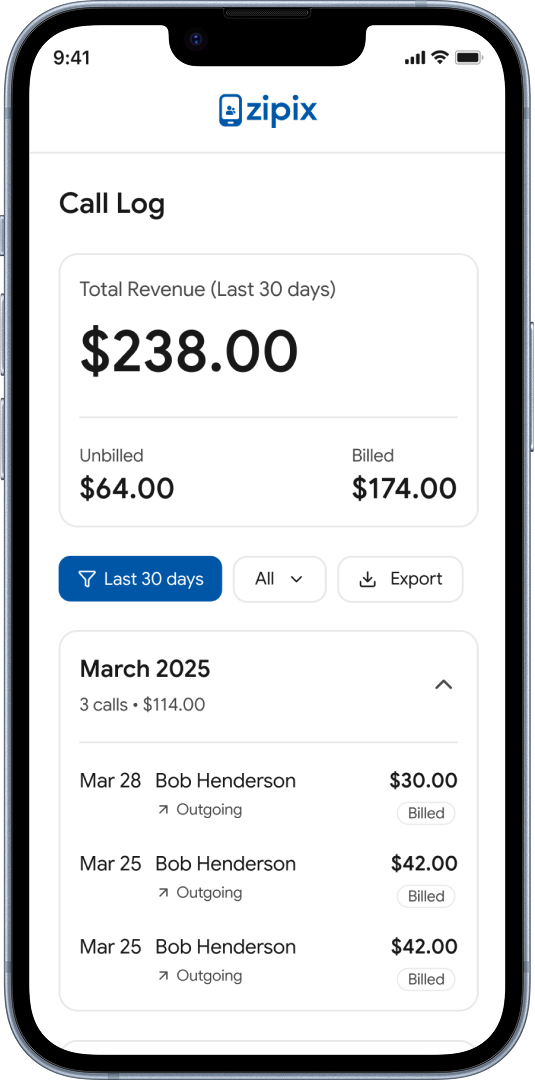
Every inbound and outbound call is automatically captured the moment it happens. No timers to start. No notes to write. zipix records the activity, associates it with the right client, and stores it as a billing-ready entry.

Inbound and outbound calls captured automatically
Each call associated with the correct client record
Duration, timestamp, and direction logged
No manual entry or app interaction required

Eliminate manual time tracking
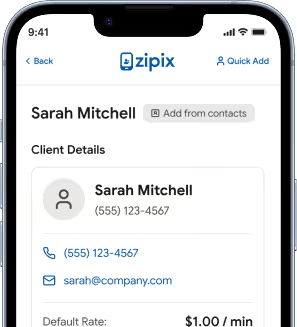
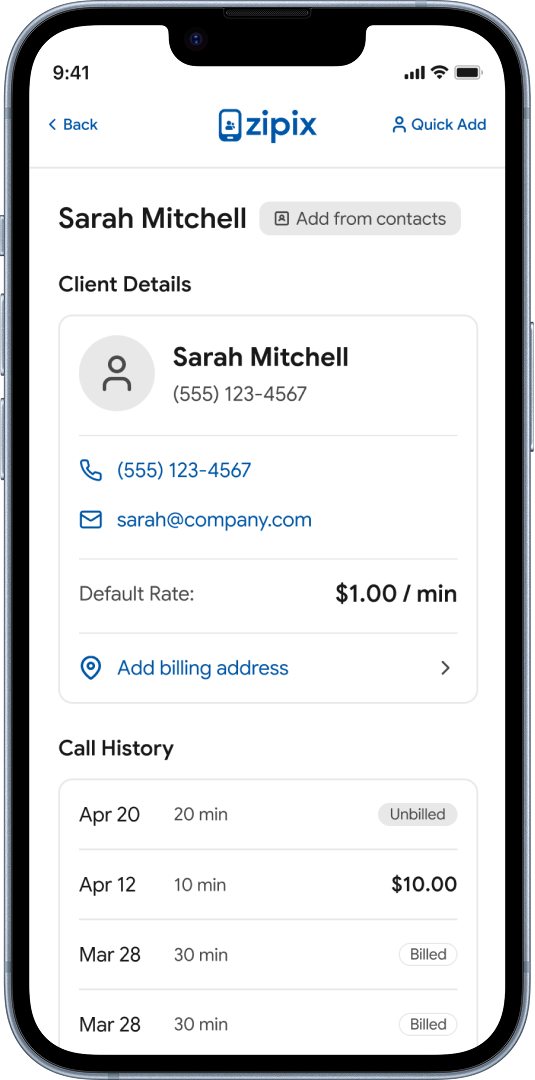
A complete, searchable record of every client interaction — calls, messages, and activity — organized by client and date. Always available when you need it for invoicing, disputes, or reference.
Full history organized by client
Searchable by date, client, or activity type
Accessible from any device at any time
Exportable for accounting or legal reference
Turn communication into invoices
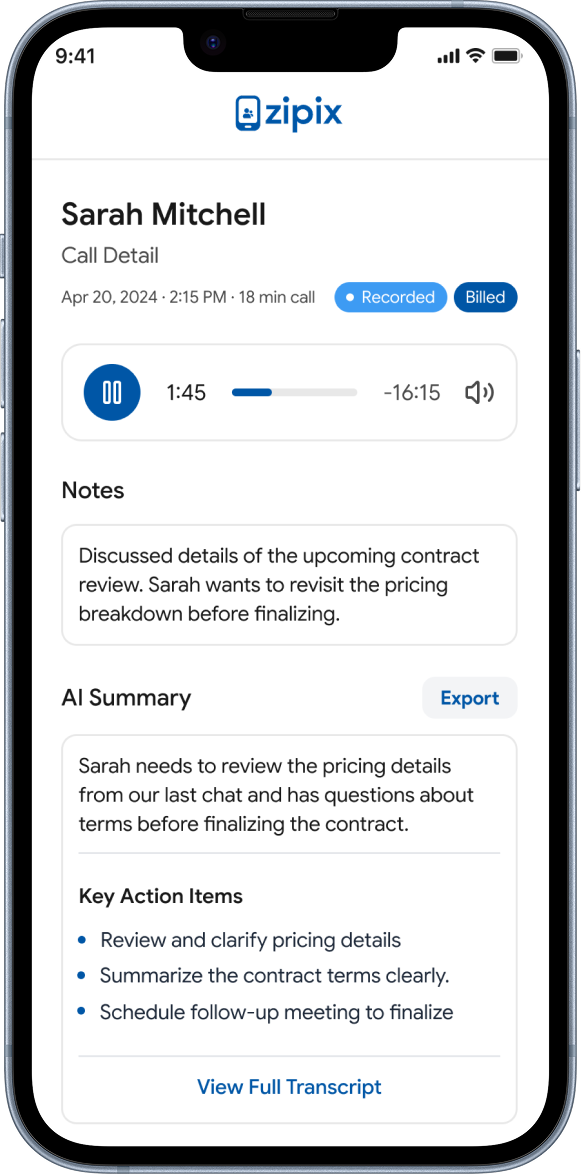
After each recorded call, zipix automatically generates an AI summary and creates a billing entry that is ready to invoice — with no manual input. The hard work is done before you hang up.
AI summary generated automatically after every recorded call
Billing entry created from the call with duration and client
No manual time entry or note-taking required
Summaries stored with the call record for future reference
Stay organized without extra work
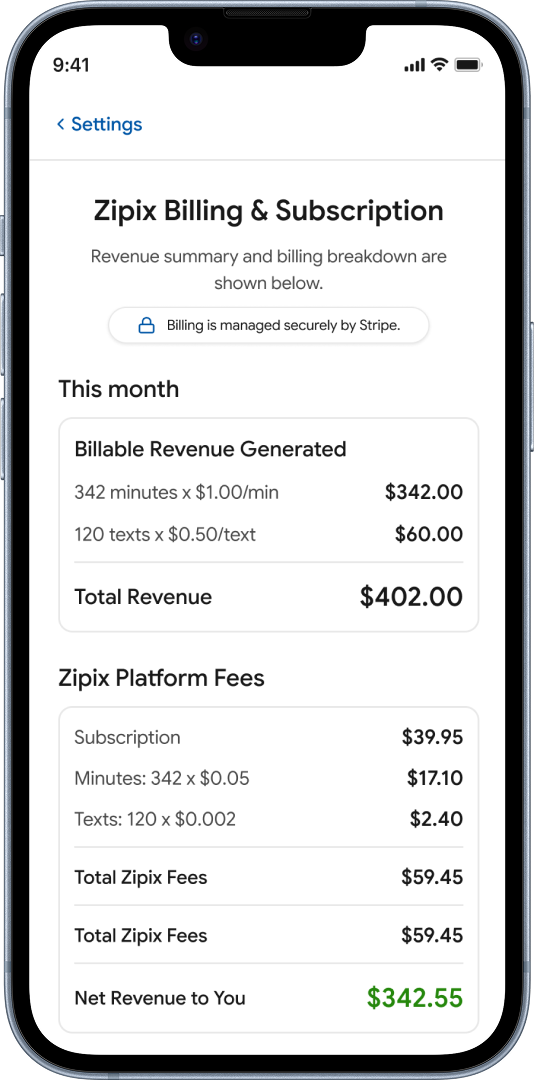
Bill on demand or let zipix automatically roll activity into invoices on a schedule you set. Weekly, monthly, or manual — you decide how and when clients receive their invoices.
On-demand billing: generate an invoice any time
Automatic rollups: weekly, monthly, or custom schedule
Activity rolls into the next invoice cycle automatically
Full control over billing cadence per client
Payment Requests and Post-Call Billing Actions
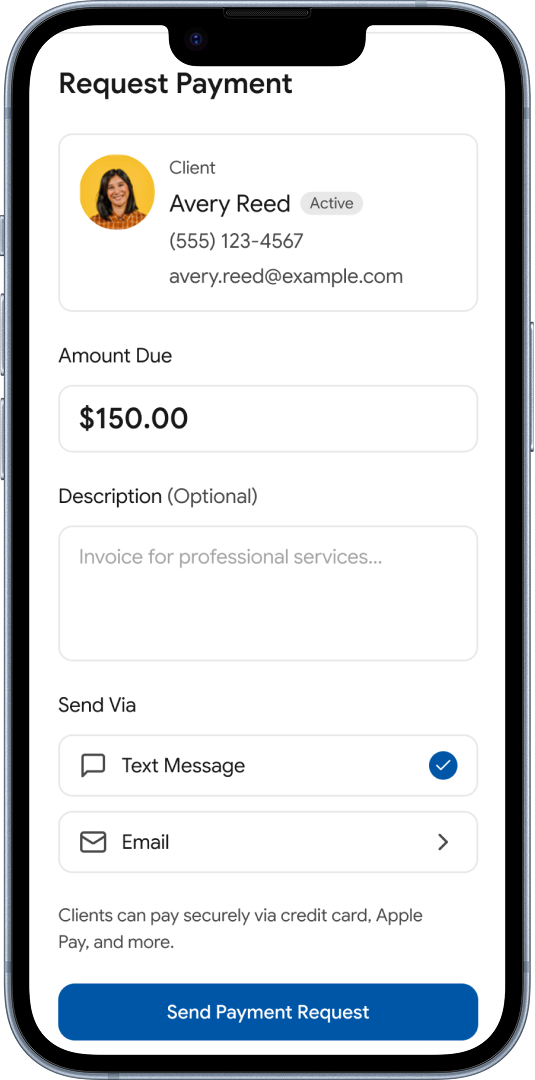
After a call ends, send a payment request immediately to the client, or let the activity roll into an invoice automatically. Both options are available for every billable interaction.
Send a payment request the moment a call ends
Or allow activity to roll into a scheduled invoice
Payment requests delivered directly to the client
Full record of all sent requests and their status
Stored Payment Methods and Client Billing Profiles
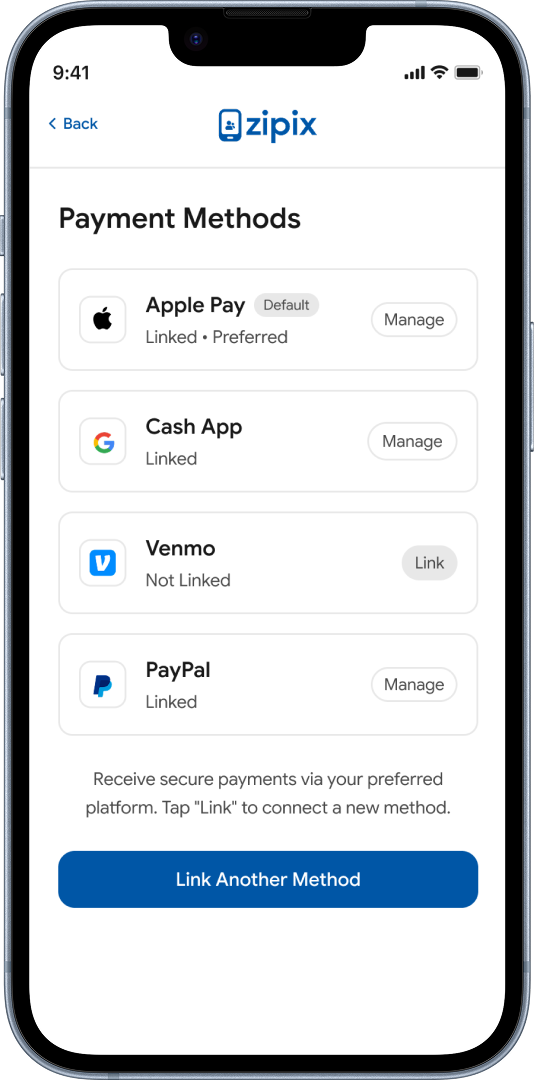
Clients can store a payment method on file, enabling quick one-click payment requests or automatic charging when appropriate. No chasing. No delays.
Clients store card or payment method securely on file
One-click payment requests for registered clients
Automatic charging when billing preferences are set
Full payment history per client record
Exportable Billing Records
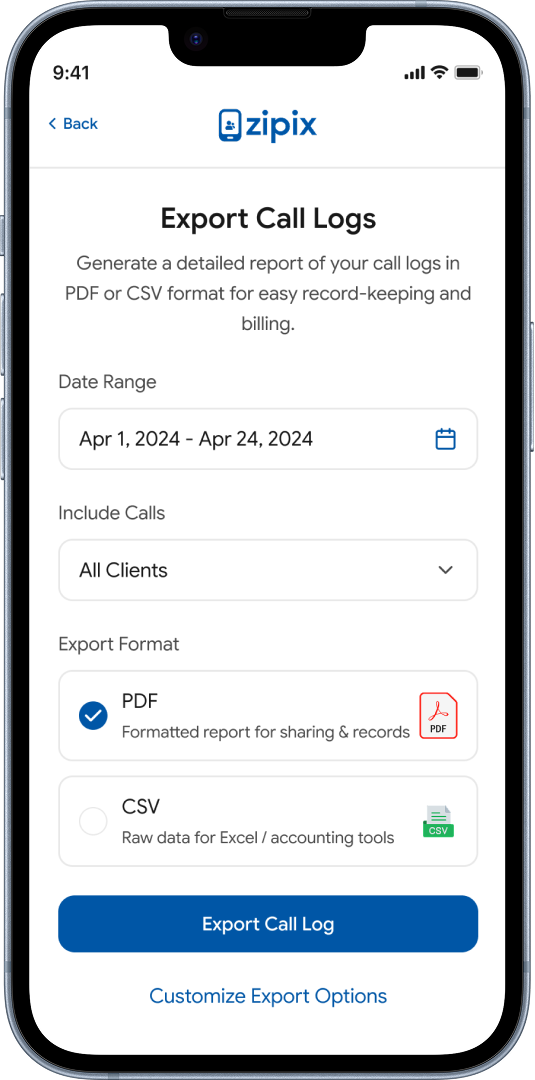
Generate detailed reports of all communication activity and billing history for accounting, client disputes, or compliance. Everything is organized and ready to export in one click.
Export full call and billing history by client or date range
Formatted for accounting and legal reference
Payment requests delivered directly to the client
Full record of all sent requests and their status